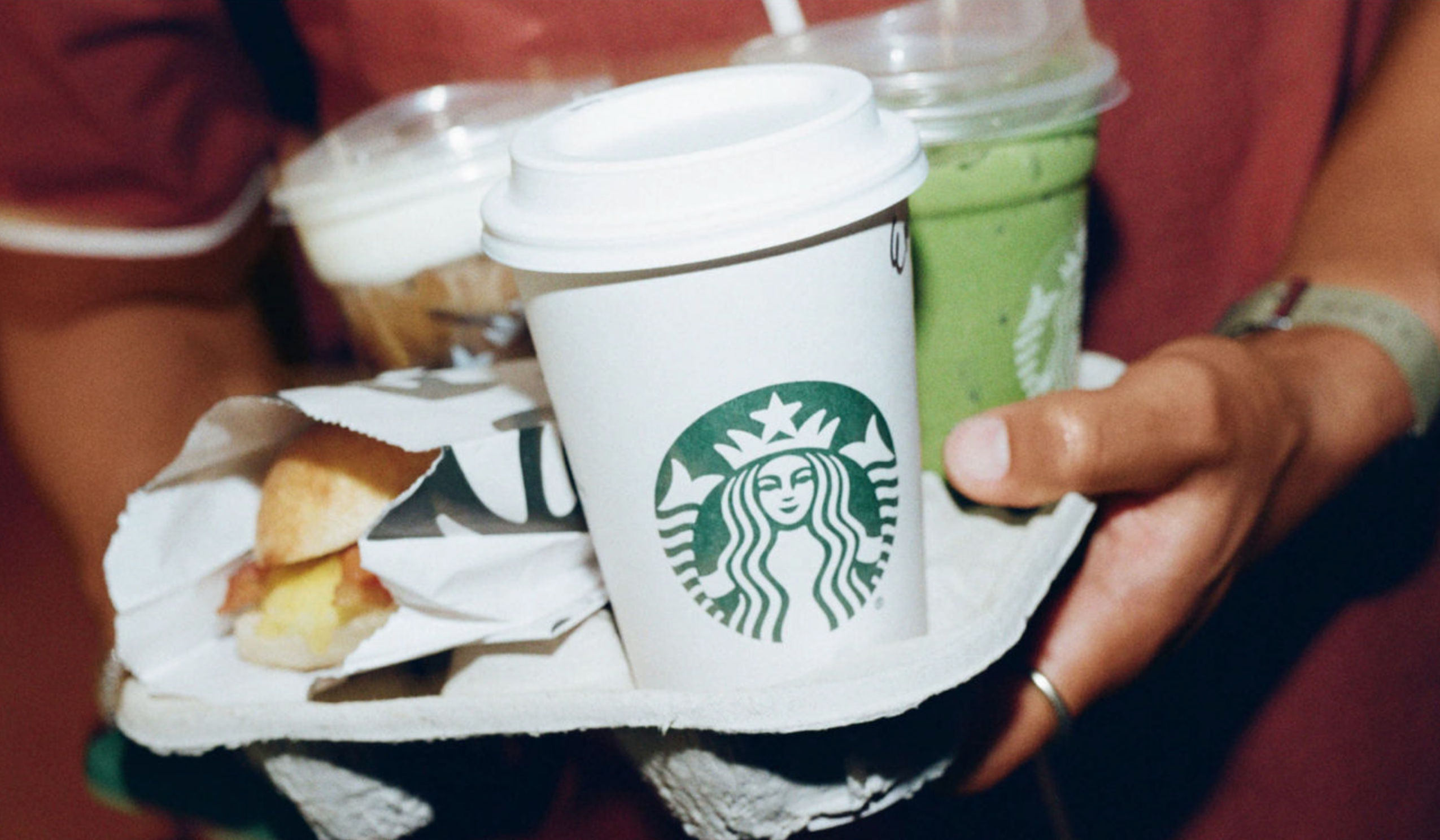
Get Starbucks® Delivery
Ready to order? Start an order


It’s even better in the app
Frequently Asked Questions
How do I order Starbucks Delivery on the app or website?
You can order Starbucks Delivery through the Starbucks® app or website, or through online coffee ordering and delivery platforms DoorDash, Grubhub and Uber Eats.
How to order delivery from Starbucks using the app:
- Download or open the Starbucks® app here.
- Find and tap “Order.”
- Toggle to “Delivery,” then follow the prompts to enter your delivery address and place your order.
How to order delivery directly from Starbucks on our website:
- Go to starbucks.com.
- Tap “Start an order.”
- Navigate to and tap “Find a store.”
- Toggle to “Delivery” and follow the prompts to enter your delivery address and place your order.
I’m having accessibility issues while ordering delivery. What should I do?
Orders placed through the Starbucks® app or website are delivered by DoorDash. If you need immediate help placing an order, call 1-855-300-8985 and DoorDash’s support staff will assist you. If you want to report an accessibility issue, email DoorDash at accessibility-feedback@doordash.com or call 1-855-300-8985. Thanks for helping us make Starbucks Delivery even better.
Can I pay for Starbucks Delivery with my Starbucks Card or through the Starbucks® app wallet?
At this time, customers cannot pay with a Starbucks Card or via the Starbucks app wallet. Customers can pay for their Starbucks Delivery order with their credit or debit card, Apple Pay, and in some instances, Venmo (depending on the platform).
I’m a Starbucks® Rewards member. Will I earn Stars when I order Starbucks Delivery?
Unfortunately, Starbucks Delivery orders aren’t eligible for Starbucks® Rewards benefits right now. You can learn more about Starbucks® Rewards benefits here.
Does my local Starbucks offer delivery?
It’s easy to check! Open the Starbucks® app or Starbucks.com and enter your delivery address in the delivery ordering experience. If you find that it isn’t available to your address, check back soon. Coverage may expand to your area.
Can I order Starbucks Delivery for someone else, perhaps as a birthday gift or everyday surprise?
Absolutely! What a great way to celebrate a special occasion. Just start a delivery order in the Starbucks® app or on Starbucks.com, and you’ll be prompted to provide a delivery address. Enter the recipient’s address to make sure delivery is available, then place your order and we’ll take it from there.
Are my Starbucks Favorites available for delivery?
At this time, your Favorites list in the Starbucks® app isn’t accessible in the delivery ordering experience. You can continue to access it when placing pick up orders.
I went back to my delivery order cart, but my cart is empty. Where did it go?
If a delivery order isn’t submitted after a certain period of time, the cart (and other information you might have added) will clear and reset.
What fees should I expect when I place a delivery order?
Orders placed through the Starbucks® app and Starbucks.com are delivered by DoorDash. Fees may vary depending on where the delivery address is located. Also, prices may be higher than posted in our coffeehouses. Taxes apply.
These delivery orders include the following fees:
- A Service fee, which helps DoorDash operate the delivery platform.
- A Delivery fee that goes to DoorDash.
- A “Small Order Fee” depending on the order subtotal may apply.
- If applicable, state and/or government Regulatory Response Fees.
How do I save my info for future delivery orders?
When you reach the checkout part of your ordering experience, sign up for a delivery account to save your information for next time.
Where can I find my delivery order history on the Starbucks® app?
The Starbucks® app doesn’t currently show delivery order history. Order information is sent to the email address and text-enabled phone number provided at checkout.
How do I report a tech issue on the Starbucks® app while ordering delivery?
Contact 1-800-STAR-BUC[KS] (1-800-782-7282) to reach our in-app delivery customer service team.
What do I do if I have an issue with my Starbucks Delivery order made through the Starbucks® app or on Starbucks.com?
Contact 1-800-STAR-BUC[KS] (1-800-782-7282) to reach our in-app and web delivery customer service team.
I entered the wrong delivery address! Can I update it?
Contact 1-800-STAR-BUC[KS] (1-800-782-7282) as soon as possible to reach our in-app and web delivery customer service team.
Can I modify, change or cancel my current delivery order?
Once an order is submitted, the details are sent to a Starbucks café to start fulfilling it and it cannot be modified. An order can be canceled but may not be eligible for a full refund. Contact 1-800-STAR-BUC[KS] (1-800-782-7282) as soon as possible to reach our in-app and web delivery customer service team.
Who is delivering my Starbucks Delivery order?
A DoorDash courier will deliver the order you placed on the Starbucks® app or Starbucks.com.
How do I track my delivery order?
When you place an order on the Starbucks® app or Starbucks.com, a delivery tracker link is sent to the email address and text-enabled phone number provided at checkout.
How do I contact my delivery courier?
Please contact 1-800-STAR-BUC[KS] (1-800-782-7282) to reach our in-app and web delivery customer service team.
What if I want to pick up my Starbucks Delivery order at the café instead?
Starbucks Delivery orders aren’t available for pick up at a café. However, you can still make a pick up order in the Starbucks® app.
Who can I contact if I have an issue with my delivery courier?
Please contact 1-800-STAR-BUC[KS] (1-800-782-7282) to reach our in-app and web delivery customer service team.
What do I do if I have an issue with my Starbucks® Delivery order that I placed on a third-party delivery marketplace?
Depending on which marketplace you ordered through, please go to the Help section of that specific app or website. Or you can reach them directly:
- DoorDash: 1-855-431-0459
- Grubhub: Online Chat
- Uber Eats: 1-800-253-9377
How do I order Starbucks Delivery?
You can order delivery right on the Starbucks® app, on Starbucks.com or through online food ordering and delivery platforms DoorDash, Grubhub or Uber Eats.
Is Starbucks Delivery available in my area?
To find out if Starbucks Delivery is available where you are, enter your delivery address on the Starbucks® app or on DoorDash, Grubhub or Uber Eats.
Can I send a delivery to someone else?
Yes! Your delivery will go to the address provided at checkout.
What items are available for delivery?
While menus vary, you can typically order your favorite coffee and espresso drinks, Starbucks Refreshers®, Frappuccino® Blended Beverages and food like breakfast wraps, sandwiches, snacks and bakery items for delivery. Some items may not be available for delivery, because we want to maintain the high standards of quality and consistency we know you expect from us. To view the delivery menu, visit the Starbucks® app or website, DoorDash, Grubhub or Uber Eats.
How do I pay for delivery and what payment methods are accepted?
Payment is handled through the app where you place your delivery order. To review your payment details, log in to your account with Starbucks, DoorDash, Grubhub or Uber Eats. For now, gift card payments are not accepted.
What fees should I expect on a delivery order?
Fees may vary depending on which app or website the order is being placed, and where the delivery address is located. Typical fees can be service fees, delivery fees, small order fees, and/or local government regulatory fees, though others may or may not also be applied.
Will I earn Stars with Starbucks® Rewards on my delivery order?
Not currently, but you can see a full list of Rewards benefits here.
How do I track my delivery order?
Once you place your order, tracking info is sent to the email or text-enabled phone number associated with your account. You can also track your order status on the app or website.
Where can I find my delivery order details or history?
If you placed your order through DoorDash, Grubhub or Uber Eats, you can find your order history in the app. The Starbucks® app doesn’t currently show delivery order history, but order details are sent to the email address and text-enabled phone number provided at checkout.
Can I modify or cancel my delivery order, or change the delivery address?
Once an order is submitted, the details are sent to a Starbucks café to start fulfilling it and it cannot be modified. Canceled orders may not be eligible for a full refund. For help with an order, contact delivery customer service:
- Starbucks: 1-800-STARBUC (1-800-782-7282)
- DoorDash: 1-855-431-0459
- Grubhub: Online Chat
- Uber Eats: 1-800-253-9377
Who delivers my Starbucks order?
Depending on where you placed your order, your courier will be from DoorDash (for orders placed through DoorDash and the Starbucks® app), Grubhub or Uber Eats.
Can I pick up my delivery order in the café instead?
No, not at this time. If a delivery order has been placed, you cannot change the order to pick up. If the order hasn’t been placed yet, you can order pick up on the Starbucks® app, DoorDash, Grubhub or Uber Eats.
How do I get help if I have technical or accessibility issues while placing a delivery order?
Depending on where you are placing your delivery order, please reach out directly to customer service.
- Starbucks: 1-800-STARBUC (1-800-782-7282)
- DoorDash: 1-855-431-0459
- Grubhub: Online Chat
- Uber Eats: 1-800-253-9377