GIFTING JUST GOT EASIER

There are many ways to give a Starbucks Gift Card. Send a Starbucks eGift through iMessage or the Starbucks app in just a few taps.
GIFT VIA THE STARBUCKS APP
Starbucks® app for iPhone®
Download on the App Store
Starbucks® app for Android™
Download on Google Play
HOW TO SEND A GIFT CARD WITH IMESSAGE
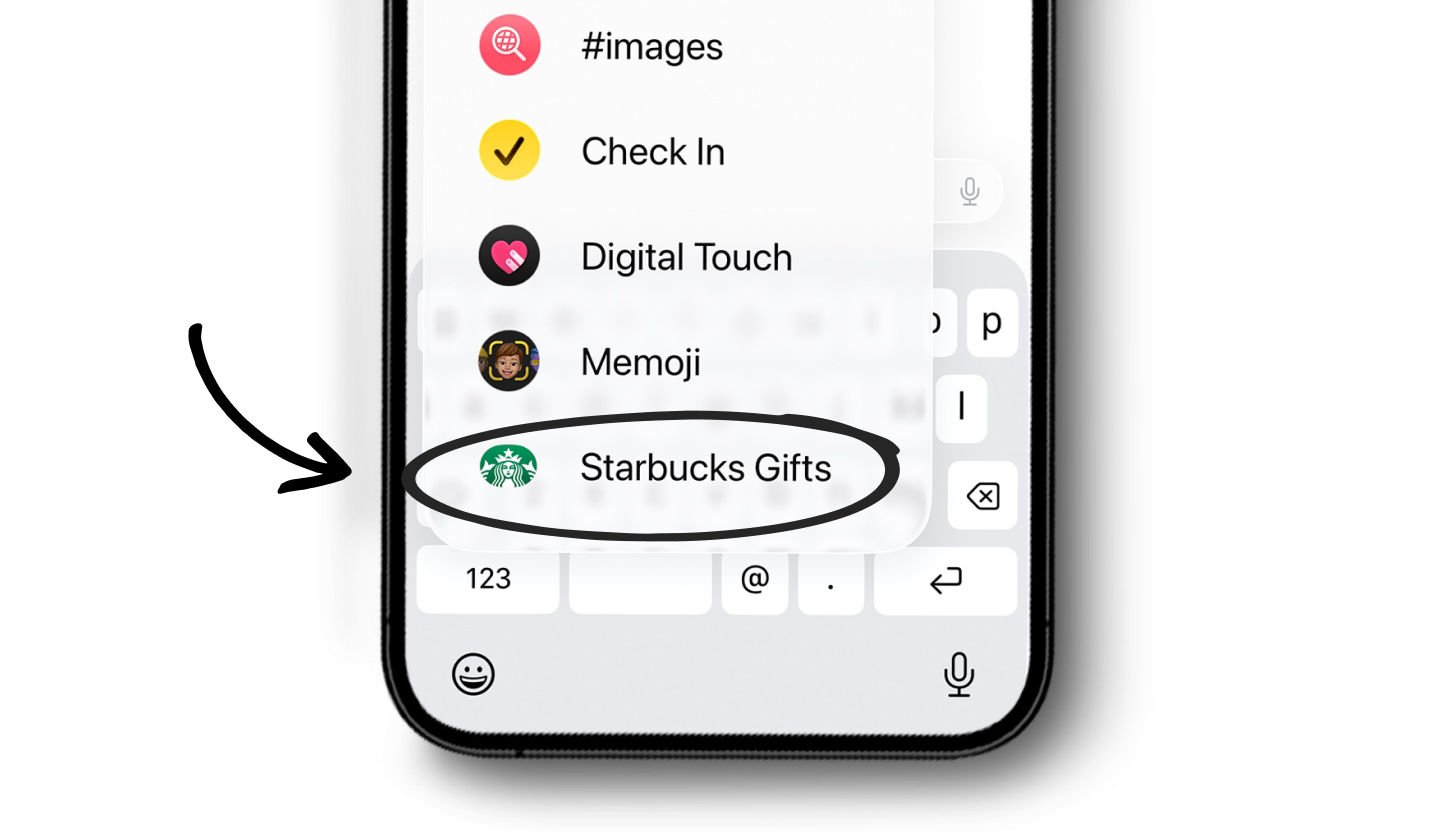
Start a text on your iPhone
Choose your gift recipient, and be sure the Starbucks app is installed.Open Starbucks Gifts
Tap the “+” icon and scroll to find it in the app drawer.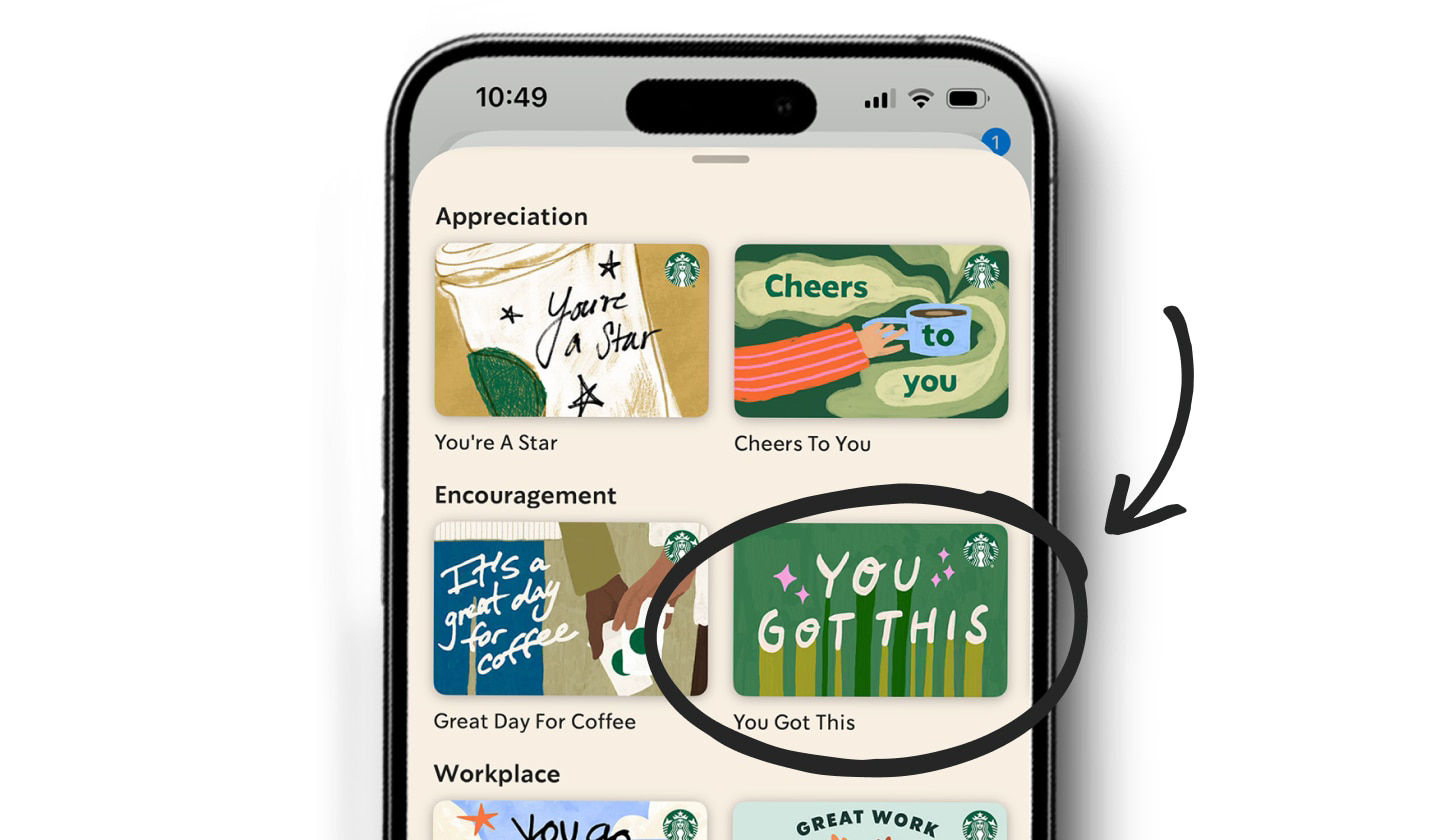
Choose your Starbucks eGift
Select the design you want to send, then choose your gift amount.Confirm your purchase
Verify your payment details then double-click the side button on your device.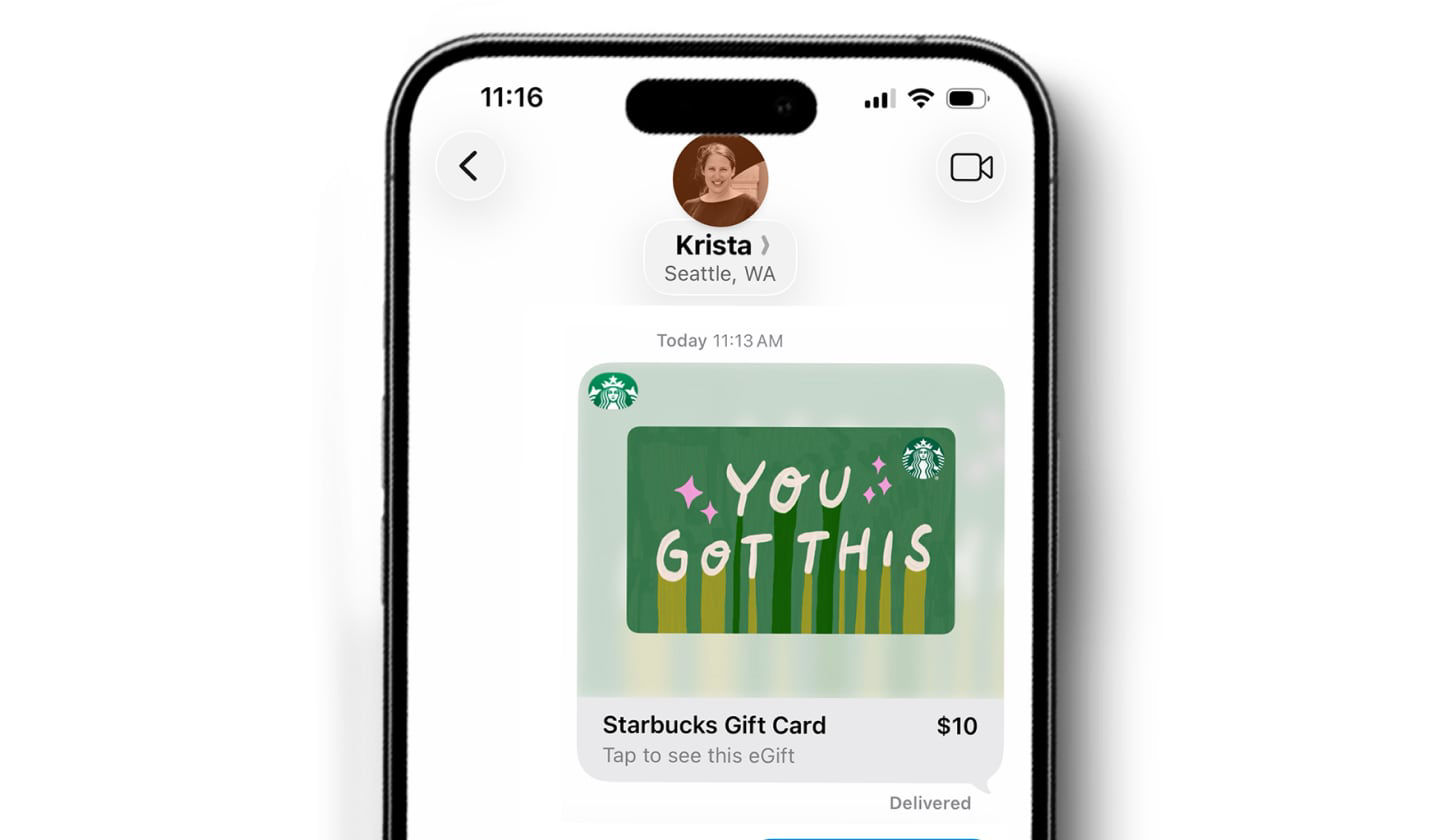
You’re all set!
Once your purchase is complete, your gift will send and a clickable card will appear in your message.With or without the app, your recipient can now enjoy their Starbucks eGift during their next visit.
LOOKING FOR A PHYSICAL CARD?
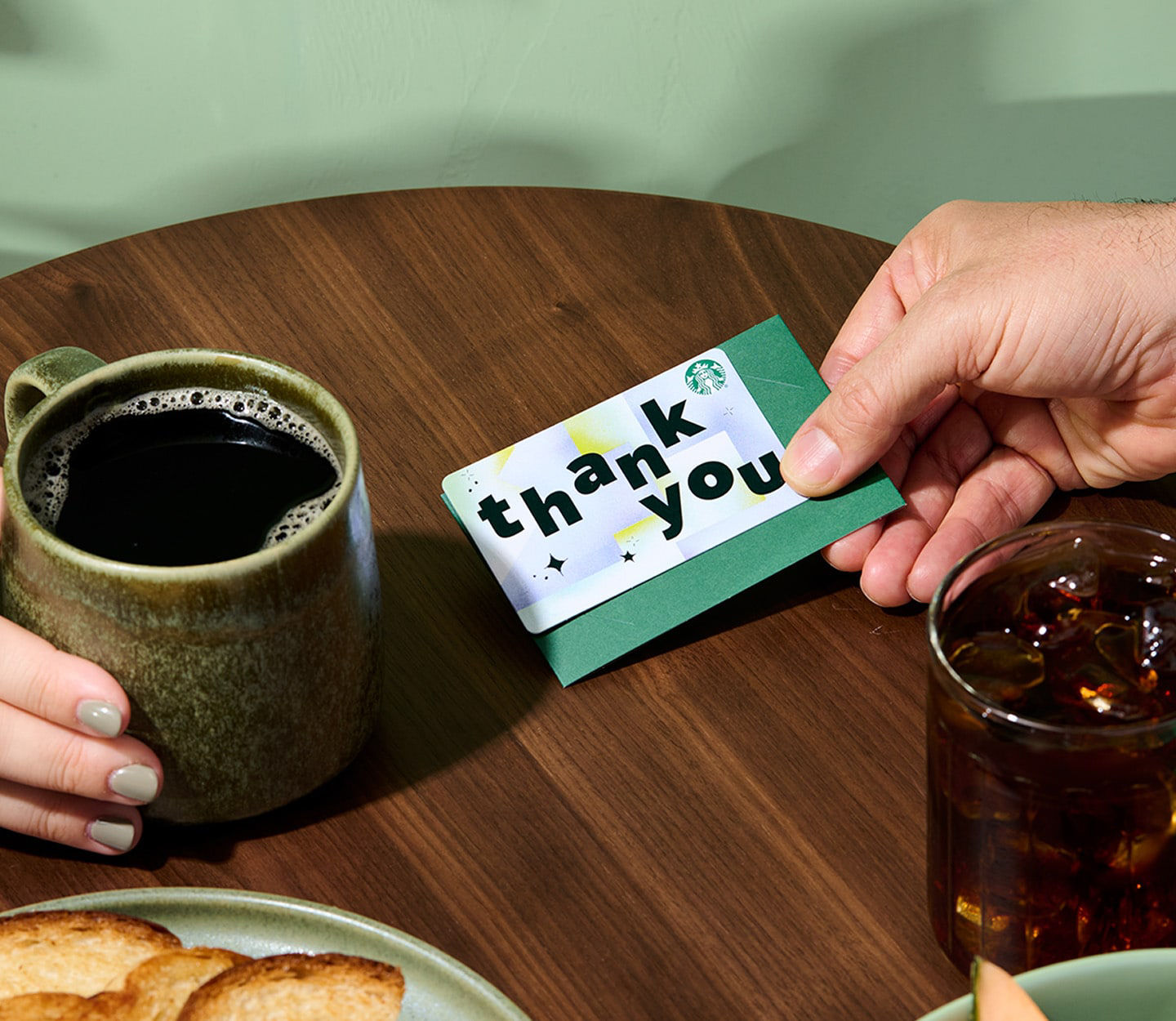
We’ve got you covered! Visit your local coffeehouse, various grocery and drugstores, and national retailers near you for a full selection of designs to meet any occasion. You can even get your Starbucks Gift Card delivered through Amazon and other online retailers.